
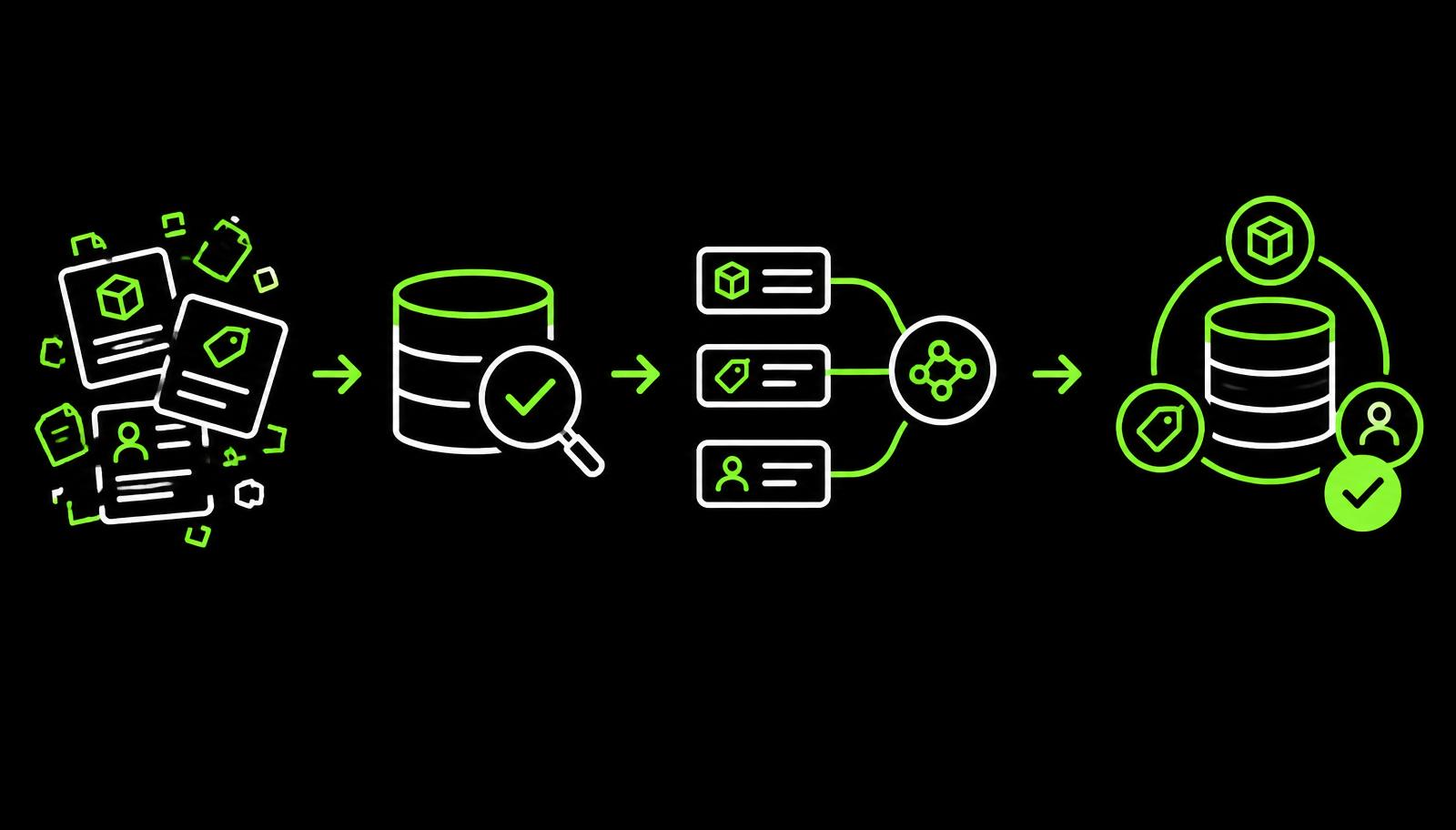
Migrating to a new CPQ platform is one of the highest-leverage moves a revenue operations team can make, and one of the easiest to botch. Most projects do not fail because of bad software. They fail because the data moving into the new system was never ready to begin with.
Audit your existing data before anything else
Before you even open a migration plan, you need an honest picture of what you have. Pull a full export from your current CPQ, CRM and ERP. Look at product catalogues, pricing rules, discount matrices, quote templates, customer accounts and historical orders.
The key question is rarely how much data you have. It is whether the data is actually being used, or has accumulated over years of "we might need it someday" thinking. Dead records slow migrations down and pollute your new environment from day one.
Define your data quality standards upfront
A migration is a forcing function. Use it. Establish clear standards for what "clean" means before you start transforming anything: acceptable field formats, required versus optional fields, naming conventions, and how duplicates will be resolved.
- Standardise product SKU formats across all sources so the new system has one consistent identifier.
- Consolidate duplicate customer records using a golden-record strategy your sales and finance teams agree on.
- Normalise currency and unit-of-measure values so pricing logic does not have to apologise for legacy quirks.
- Validate that every pricing rule has a corresponding product. Orphan rules are silent troublemakers.
- Ensure account hierarchies are intact and accurate, especially for enterprise accounts with multiple buying entities.
Never migrate dirty data hoping to clean it up later. Once garbage is in the new system, it is far harder to find and fix.
Map fields between old and new systems
Field mapping is where migrations go quietly off the rails. Every system has its own schema. What your legacy tool calls "Product Family", your new CPQ might call "Category Group". Document every mapping in a master spreadsheet, including fields with no direct equivalent.
Clean and deduplicate before you migrate
Run deduplication logic on accounts and contacts, archive obsolete products, and expire pricing rules that are no longer active. Treat this as its own workstream with its own owner, not a side task.
- Remove products discontinued more than 12 months ago.
- Merge duplicate account records using a single golden-record strategy.
- Archive quotes older than your defined retention period.
- Validate all active pricing configurations against current business rules, not against what was true two years ago.
Run a pilot migration and validate ruthlessly
Migrate a representative sample, not all records, but a cross-section that covers your most complex scenarios. Recreate your top 20 quotes from scratch in the new system using migrated data. If they look wrong or behave unexpectedly, the data is not ready.
The validation bar is simple. Three questions, every time:
- Can sales reps recreate any existing quote without workarounds?
- Do pricing rules produce the same output as the legacy system, or a deliberately improved one?
- Are approval workflows triggering correctly for the same deal shapes as before?
If the answer to all three is yes, you are in good shape. If not, fix the data before you fix the configuration.
Document everything, for the team and not just IT
Data prep documentation is often written by engineers, for engineers. That is a mistake. The people who will live in this system every day, sales reps, deal desk and operations, need to understand what changed, what was archived, and where to find things that moved. Write for them.
- A changelog of removed or renamed products and price books.
- A short guide to the new account and product naming conventions.
- A map of old quote templates to their new equivalents.
- A clear point of contact for data issues in the first weeks after go-live.
Why this matters even more on ServiceNow CPQ with Logik.ai
Modern platforms like ServiceNow CPQ on Logik.ai give you speed, explainability and modular pricing on day one. None of that protects you from messy data carried forward from a legacy world. The teams that get the most out of Logik.ai are the ones that treated migration as a chance to retire dead products, clean pricing, and rebuild the catalogue around how the business sells today, not how it sold five years ago.